






Hollywood’s Leading Concept Designer uses a Wacom Intuos!

Hollywood’s Leading Concept Designer uses a Wacom Intuos!

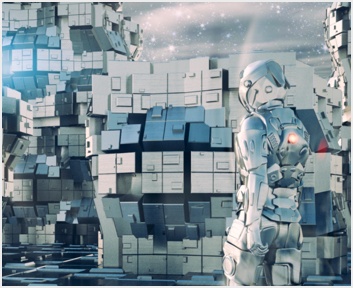
Feng Zhu, Concept design of Star Wars Episode III, Revenge of the Sith, Lucasfilm


For more than 11 years, Feng Zhu has contributed to some of the highest profiled projects in the entertainment industry. His broad design skills allowed him to reach across into many fields from hit movies, to triple-A games, to memorable TV Commercials and even to toy design.

One of the most important roles in the pre-production stage of games and films is that of the Concept Designer, who interpret and visualize the ideas. He is one of the leading concept designers in the CG industry and brought his design expertise to Singapore to launch FZD School of Entertainment Design in 2009.


Feng Zhu brings with him an illustrious list of credentials including various Hollywood blockbusters Transformers, the Teenage Mutant Ninja Turtles movie and Star Wars Episode III - Revenge of the Sith, working directly with some of the biggest directors in the world such as George Lucas, Steven Spielberg, James Cameron, and Michael Bay. He has also led the visual design for a variety of popular games including Superman, The Lord of the Rings, Unreal Tournament 2007, Gears of War, the James Bond franchise, Command and Conquer III and Battle for Middle Earth II.


Mr. Feng told us a bit of the movie making process in Hollywood and the tools used for concept art, including Wacom products.


You had experiences of working at many design firms in the entertainment industry. Can you simply explain to us the process of making a Hollywood movie?

Hollywood movies are very expensive to produce; especially the big summer blockbuster films with lots of CG elements and action. Thus, years before a film is even in production, months and months are spent in pre-production to help bring the movie to life and secure the huge investment. For us in the design industry, the pre-production phase gives us time to design all the major elements in the film. We also do something called “production paintings.” These paintings are used to visualize the movie to potential investors and studio heads. For example, the director might have an idea involving some very complex designs and shots. Without visuals, these shots would be impossible to describe. So thus, we would work closely with the director to nail down exactly what is involved for these shots. Next, we return to our studio and flush out a series of rough paintings. Once the general direction is chosen by the director, we would spend a few days to flush out and complete the paintings. On average, an art department can finish a few hundred paintings during pre-production.


The usual pre-production phase lasts about 6-8 months on most major films. After this phase, the film goes into production. During this time, we focus on specific designs and flush out anything which requires CG or special effects. The average time for a movie to go from script to screen is somewhere between 2-3 years.

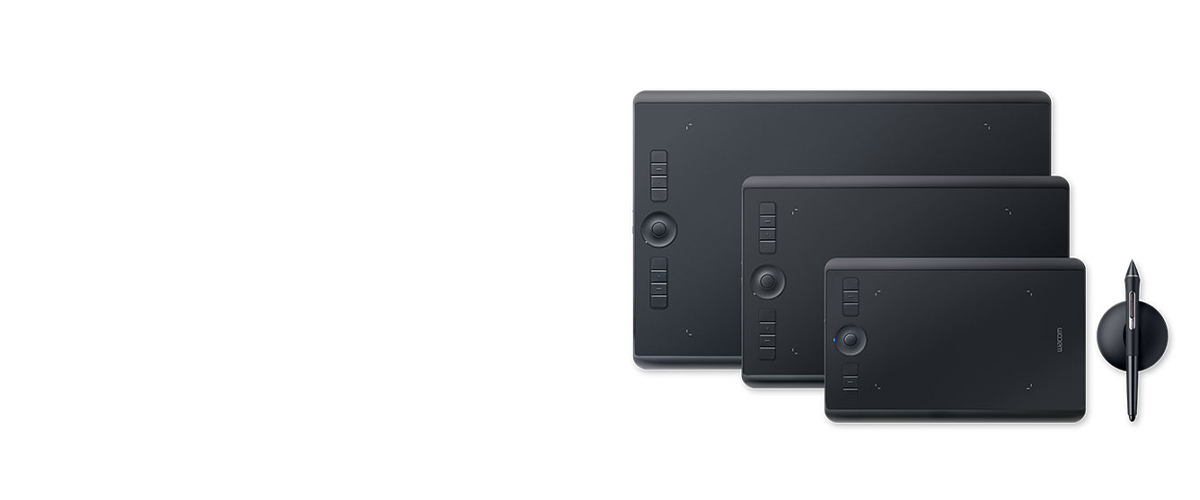
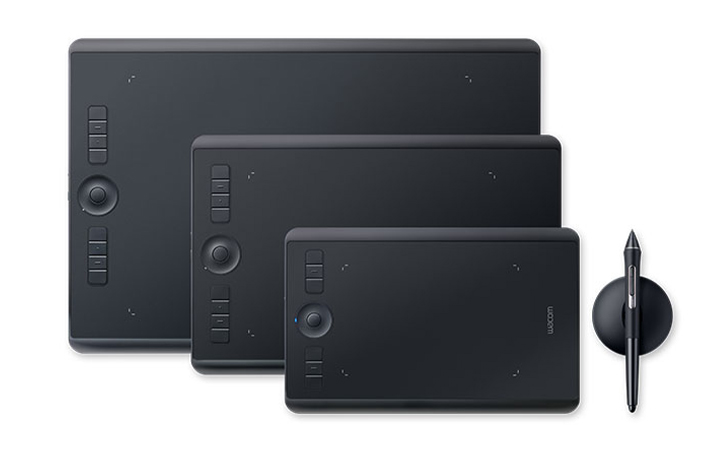
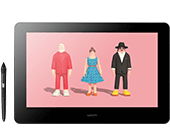
Almost all art departments in both the film and video game industry are 100% digital now. Every studio uses Wacom tablets and many of them have switched over to the Cintiq. I still prefer using the regular tablets, but maybe I should give the Cintiq a try!


What kind of software/hardware do you use when you create a concept art?

My studio setup is relatively simple. For digital paintings and drawings, I only use Adobe Photoshop. Currently, I’m using CS1 on my mobile laptop and CS5 on my nuclear-powered Alienware at home. It’s important to have a powerful machine because much of our work involves complex paintings which require a lot of RAM to load. The specs for my Alienware are:

Intel i7 960 Quad Core CPU
12 Gigs of DDR3 RAM
2 x nVidia GTX 295s in Quad SLI mode
Windows 7 Ultimate 64-bit

This PC is connected to a 30” Apple Cinema Display running at 2560 x 1600 resolution (great for digital paintings).

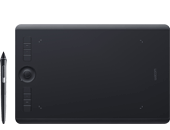
And of course the Wacom tablet is required. At home, I’m using the new 9x12 Intuos 4. At work, I’m still using the 9x12 Intuos 3 tablet.

The only other software I use is ACDsee. This is a photo manager application which is great for viewing reference images. It’s quick, has a small memory foot-print, and inexpensive to buy.


What are your ideal equipments/tools for concept art?

For me, speed is the key. I can’t stand lag or waiting for anything to load. So the first priority is a powerful PC with lots of RAM. Second are the displays. I prefer dual 30” screens running at very high resolutions (2560 x 1600). Next is the 9x12 Wacom tablet. Finally, match all this equipment with Photoshop and you have the perfect working environment.

I do get a lot of questions about MAC or PC. For me, I prefer the PC; simply because there are way more cool games on the PC than MAC. Since I work in the entertainment industry, it’s important for me to also play with the products. Currently, I have about 30+ games installed on my Alienware PC.


What is the advantage of using pen tablet/Interactive Pen Display?

Working digitally has a lot of advantages over traditional media. For example:

- The freedom to explore different directions without wasting material such as paper or paint
- Smaller studio footprint. I no longer need a huge drawing table with multiple lamps. This also makes the studio look much cleaner and modern
- The Wacom also allows me to go portable. A powerful laptop + Wacom is a cool combination
- Working digitally is also good for the wrists and eyes. You don’t need to move your arms much and there’s no need to squint. If you want to see something, just zoom in. And if you want to draw/paint a specific area, just pan the image to match your hand position
- No need to wait for paint to dry (a big slow down back in the classic painting days)
- Control-Z! This is probably the most important tool – the ability to change your mind and fix mistakes.


How Wacom products help you and your team to minimize work process?

Doing away with traditional media saves a ton of time and money. For example, back in the old days (10+ years ago), every designer on the team required a huge work area. Each space had a big drawing table, markers, lamps, paint brushes, storage bins, etc. It can take years to fully equip one designer. When the Wacom came along, all that changed. Now we just buy a PC, a tablet, and load up Photoshop. The studio is much more efficient as a result and work gets done faster. The Wacom tablets are one of the most important tools in a design studio – it literally changed the way we work.


What do you expect from Wacom?

I’ve owned every Wacom product since the ArtZ II days (back in 1996). Since then, I’ve always enjoyed every product that has come along. I can’t wait to see what will come out next. My dream is to have a wireless 9x12 Cintiq!


Contact FZD School of Design

FZD School of Entertainment Design is located at 200 Middle Road #16-01 Prime Centre, Singapore 188980. For more information, call +65 6334 9258 or visit www.fzdschool.com

see Featured Artist page


Return top